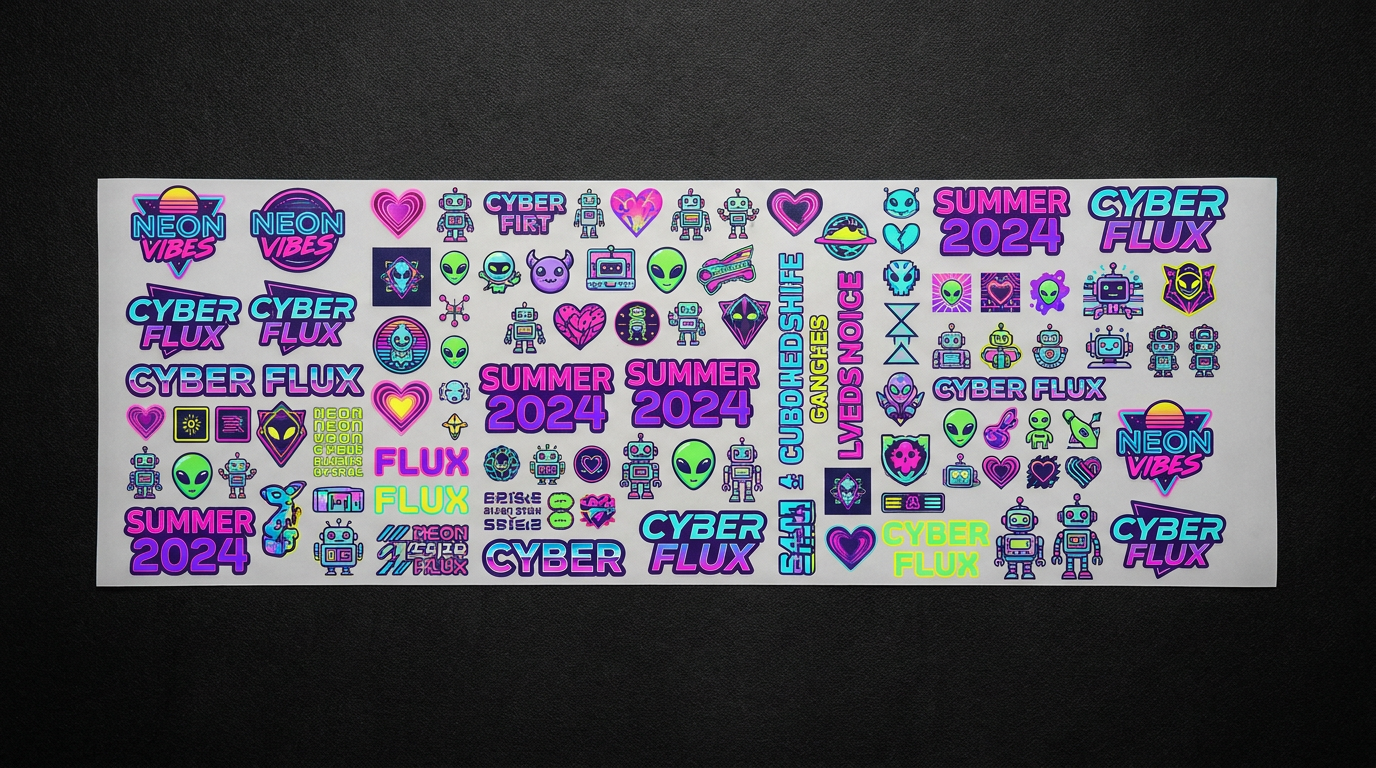
How to Build a Gang Sheet for DTF Printing
Save money, reduce waste, and maximize every inch of transfer film. Learn how to create professional gang sheets that get perfect results every time.
What is a Gang Sheet in DTF Printing?
A gang sheet is a single sheet of transfer film that contains multiple individual designs arranged strategically to maximize every inch of available space. Instead of printing each design on its own sheet (which wastes material and costs more per print), gang sheets let you combine as many logos, names, artwork, or graphics as will fit on one film.
For DTF printing, gang sheets are a game-changer because they:
💡 Bottom Line: Whether you're running a small apparel brand or fulfilling custom orders for clients, gang sheets help you operate more efficiently and profitably.
Benefits of Using Gang Sheets
Lower Cost Per Print
By fitting more designs on one sheet, you reduce the per-unit cost of each transfer significantly.
Less Material Waste
No more unused white space on your transfer film. Every inch gets used for actual designs.
Faster Production
Print multiple designs in one pass instead of feeding individual sheets through your printer.
Better for Bulk Orders
Perfect for team orders, events, or wholesale — batch dozens of designs into a single print run.
Mix & Match Designs
Combine different logos, sizes, and artwork on one sheet — great for multi-design orders.
Higher Profit Margins
Lower production costs mean more money in your pocket on every order you fulfill.
Gang Sheet Sizes & Dimensions
Gang sheets come in standard widths of 22 inches, with varying lengths depending on how many designs you need to fit.
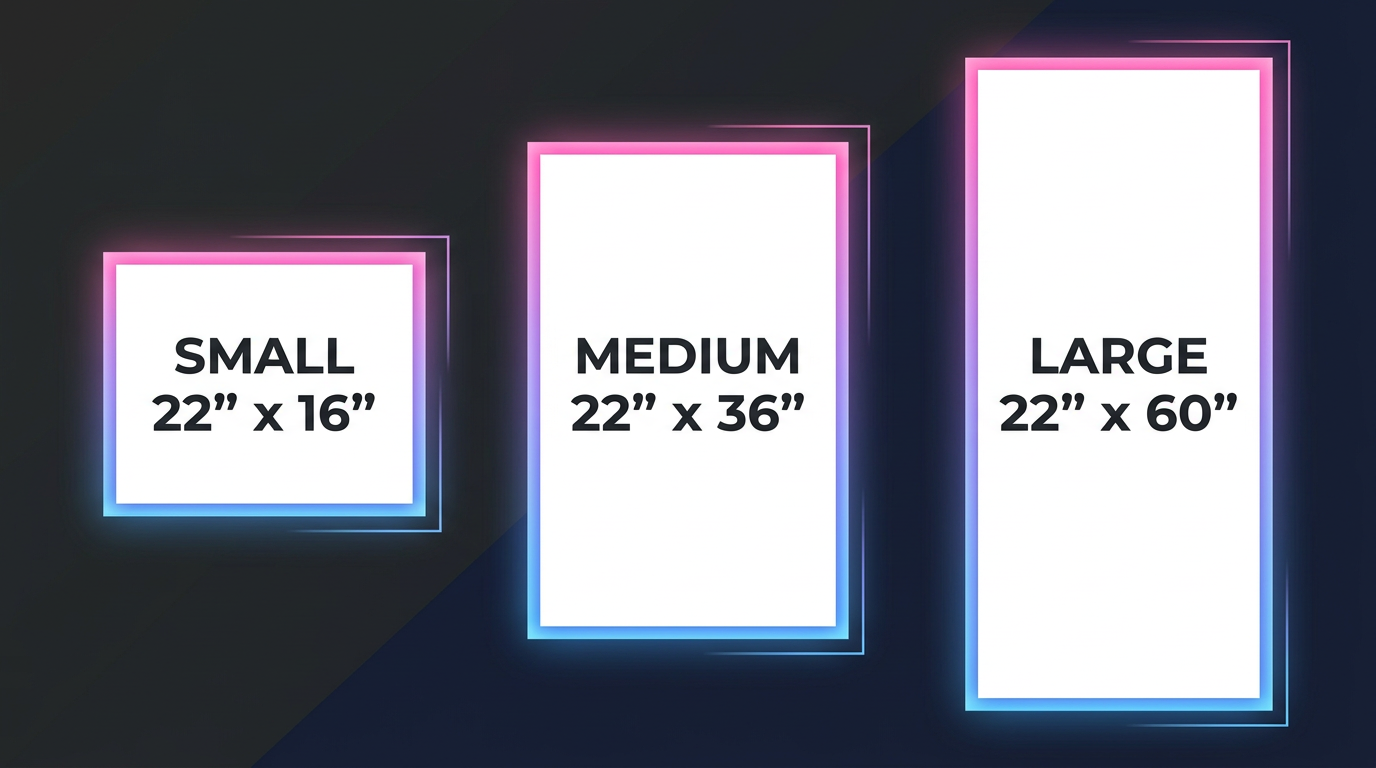
| Gang Sheet Size | Dimensions (inches) | Ideal For |
|---|---|---|
| Small Sheet | 22" × 16" | Small runs, test prints, single designs |
| Medium Sheet | 22" × 36" | Multi-logo prints, name sets, small batches |
| Large Sheet | 22" × 60" | Bulk orders, team sets, multiple clients |
| Extra Large | 22" × 120" | High volume production, wholesale runs |
📏 Note: Many platforms also allow custom-length gang sheets, sometimes offering continuous rolls that extend several feet. The key is to match your layout to your printer's supported length — while keeping the fixed width of 22 inches in mind.
Step-by-Step: How to Build a Gang Sheet
Here's a comprehensive walk-through to help you build your own gang sheet from scratch.
Gather All Artwork
Start by collecting all the graphics you plan to include. These could be:
- Logos
- Names and numbers
- Clip art
- Brand slogans
- Event or seasonal graphics
💡 TIP: Ensure your files are high-resolution (300 DPI) and in transparent PNG format for best results.
Choose Your Gang Sheet Size
Based on the number and size of your designs, pick the right gang sheet dimensions. Start with a 22" wide canvas and adjust the height based on your needs.
Small
22" × 16"
2–6 designs
Medium
22" × 36"
8–20 designs
Large
22" × 60"
20–50+ designs
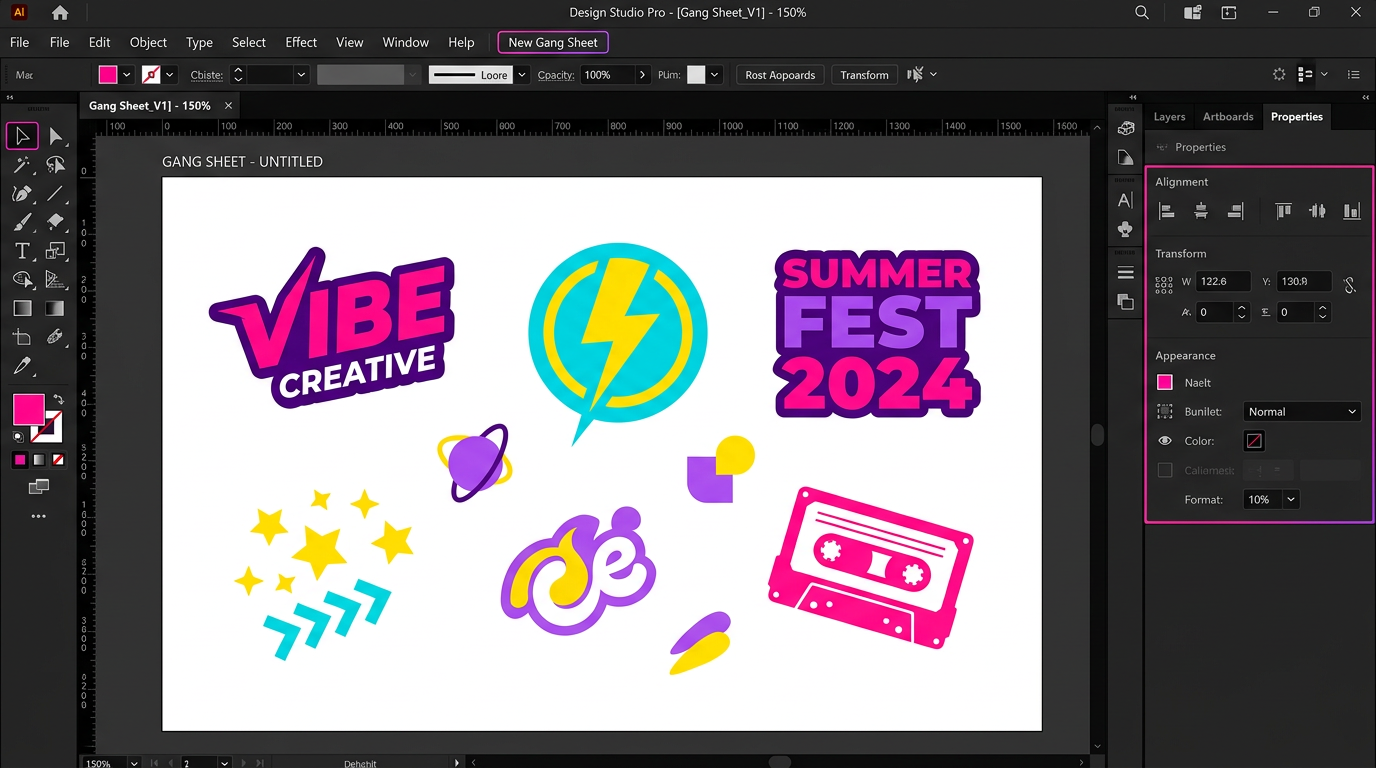
Set Up Your Canvas
Open your preferred design software and create a new document with these settings:
Width: 22 inches
Height: Your chosen sheet length
Resolution: 300 DPI
Color Mode: CMYK (recommended) or RGB
Background: Transparent
Recommended software: Adobe Photoshop, Adobe Illustrator, CorelDRAW, Canva Pro, or GIMP (free).
Arrange Your Designs
This is the most important step. Place your designs on the canvas with these guidelines:
- Leave ~2–3mm spacing between each design so they can be cut cleanly.
- Size designs to actual print dimensions — what you see is what you get.
- Fill gaps with smaller designs — don't leave empty white space.
- Rotate designs if needed to fit tight spaces and maximize coverage.
- Group similar sizes together for easier cutting and organization.
Add Labels & Cut Lines (Optional)
For larger orders, consider adding:
- Dotted cut lines or bounding boxes around each logo
- Labels or file names to match designs to customers
- Color-coded sections for different orders
Not all printers need this, but it can help immensely if you're outsourcing or managing bulk orders.
Check Color Mode & Transparency
Before exporting your gang sheet, double-check these critical settings:
CMYK Color Mode
Use CMYK for accurate print color reproduction. RGB can shift colors during printing.
Transparent Background
Ensure the background is transparent to avoid unwanted white boxes around your designs.
No Hidden Layers
Flatten and remove any hidden layers, shadows, or unnecessary effects.
Save as PNG, TIFF, or PDF
Export in high-quality format. PNG is most commonly accepted by DTF providers.
Pro Tips for Gang Sheet Efficiency
Batch Similar Sizes
Group logos or designs with similar dimensions together to ensure more efficient cutting and pressing.
Use Every Inch
Even small gaps can be filled with QR codes, care labels, or your own branding tags for future use.
Keep an Archive
Save each gang sheet layout in a folder with labeled layers. This helps with repeat orders and troubleshooting.
Avoid Rasterizing Text
Keep fonts as live text or vector when possible to maintain crispness — especially for small logos or names.
Mirror If Needed
Some DTF workflows require mirrored images. Check with your printer or provider before exporting.
Test Print First
Before committing to a large gang sheet, print a small test section to verify colors, sizing, and alignment.
Common Mistakes to Avoid
❌ Designs too close together
✅ Fix: Leave at least 2–3mm between each design for clean cutting.
❌ Low resolution files (72 DPI)
✅ Fix: Always use 300 DPI for sharp, professional prints.
❌ White background instead of transparent
✅ Fix: Export with transparent backgrounds to avoid white boxes on garments.
❌ Forgetting to resize to actual dimensions
✅ Fix: What you place on the sheet is what gets printed — size matters!
❌ Not checking mirroring requirements
✅ Fix: Ask your DTF provider if they need mirrored files before printing.
❌ Leaving large empty gaps
✅ Fix: Fill unused space with small designs, QR codes, or test prints.
Use Cases for Gang Sheets in DTF Printing
Gang sheets are incredibly versatile. Here's how different businesses and creators use them:
| Use Case | How Gang Sheets Help |
|---|---|
| Clothing Brands | Add multiple logo sizes for tees, hats, sleeves, and neck tags |
| Sports Teams | Combine team names, numbers, and logos for entire rosters |
| Promotional Events | Maximize space for variations on shirts, bags, and more |
| Craft Businesses | Fill sheets with trendy phrases or designs for resale |
| Print Shops | Batch process customer orders to save on labor and film |
| Schools & Churches | Group fundraiser designs, spirit wear, and event graphics |
Frequently Asked Questions
PNG with a transparent background is the most commonly accepted format. TIFF and PDF also work with most DTF providers. Always export at 300 DPI for the best print quality.
Ready to Print? Let 345 Prints Handle It.
Whether you build your own gang sheet or send us your designs, we deliver high-quality DTF prints with same-day availability. Limited slots daily!